Reports that file themselves.
Inspections, incidents, site checks — describe your form once and AI builds the mobile app. Capture on the floor with photos; the PDF lands at the office.
- ✓Photo evidence and timestamps built in
- ✓Required steps teams can't skip
- ✓Everything exportable to CSV
Free to start · Your team opens the finished app on the web or in the EasyBind mobile app — nothing to install

Site Incident Report
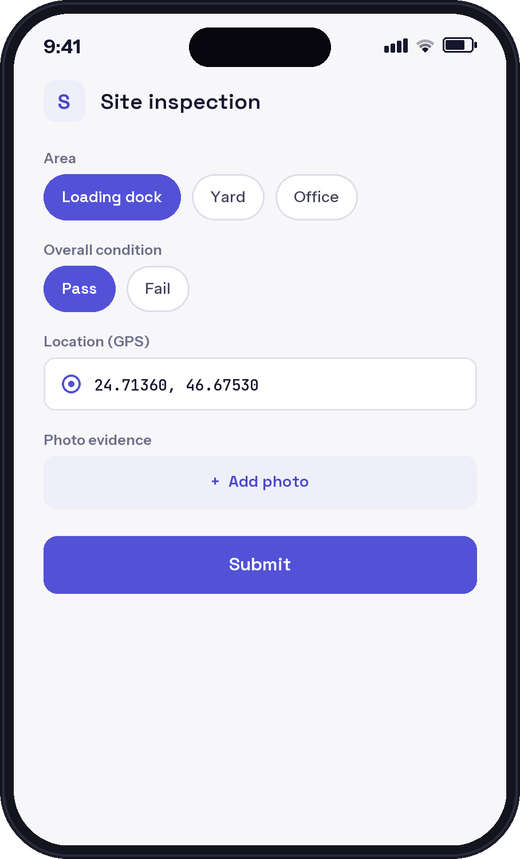
Describe it
Tell the Builder what you need in plain English — the AI asks the rest.
Watch it build
A working app assembles in front of you, live on a phone preview.
Publish & share
One tap. Your team opens it by link or QR — native app or web.
Ask your data anything.
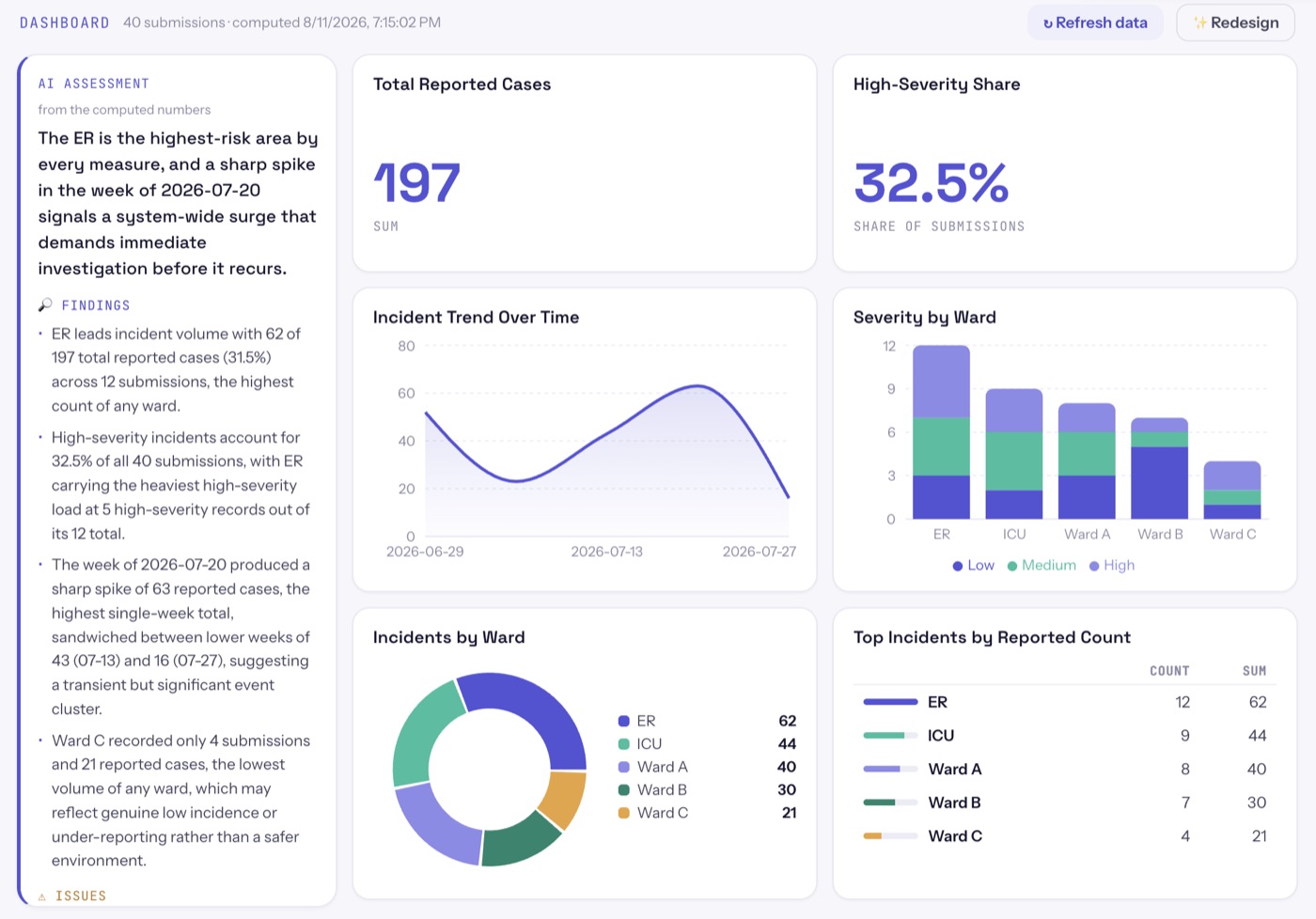
Every app comes with analytics designed by AI for your domain: a live dashboard, an instant assessment, and a chat that answers questions about your submissions — every number computed from the real data, never guessed.
- A six-chart dashboard the AI designs for your workflow
- Findings, issues & recommendations, written from the numbers
- “Which site had the most high-severity reports last month?” — just ask
They can just say it.
Not everyone will type into a form. Flip one switch and “Site Incident Report” interviews people instead: it greets them by name, asks your questions out loud in their language, fills the fields as they speak, and submits with a thank-you — same fields, same data, same analytics.
- An interview, not a form — one question at a time, a polite goodbye, auto-submitted
- Any language in, your language out — answers stored in your configured values
- Invite a known list — personal links, per-person language, gentle reminders
Your data is never held hostage.
Full CSV export of every submission, on every plan — including Free. Build real workflows on the free tier forever; upgrade only when your processes need approvals, PDFs, or restricted access.
Start free in the Builder